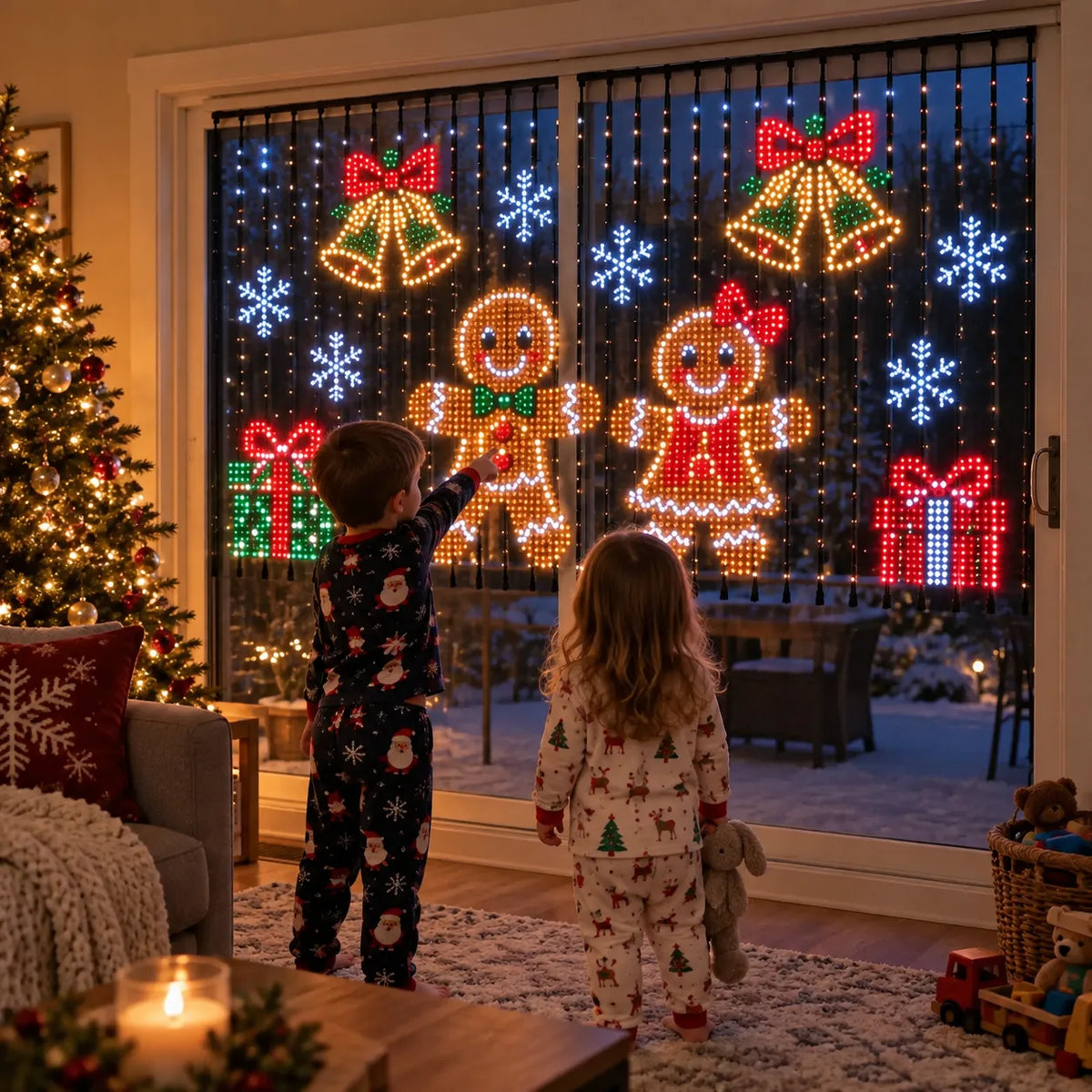
🎄 Smart LED Curtain Lights | App-Controlled Animated Christmas Wall Display ✨
🎄 Smart LED Curtain Lights | App-Controlled Animated Christmas Wall Display ✨
Impossible de charger la disponibilité du service de retrait

🎄 Smart LED Curtain Lights | App-Controlled Animated Christmas Wall Display ✨
🎄 SMART LED CURTAIN LIGHTS
A Christmas light show.
Right at home.
🎬 Light show · open / close

Turn a wall or window into a colorful holiday display with hanging LED lights that play animated Christmas scenes.
Choose a pattern from your phone, change the display, and settle in for an evening with a little more sparkle.
📱 iOS & Android app control
📏 Three size options
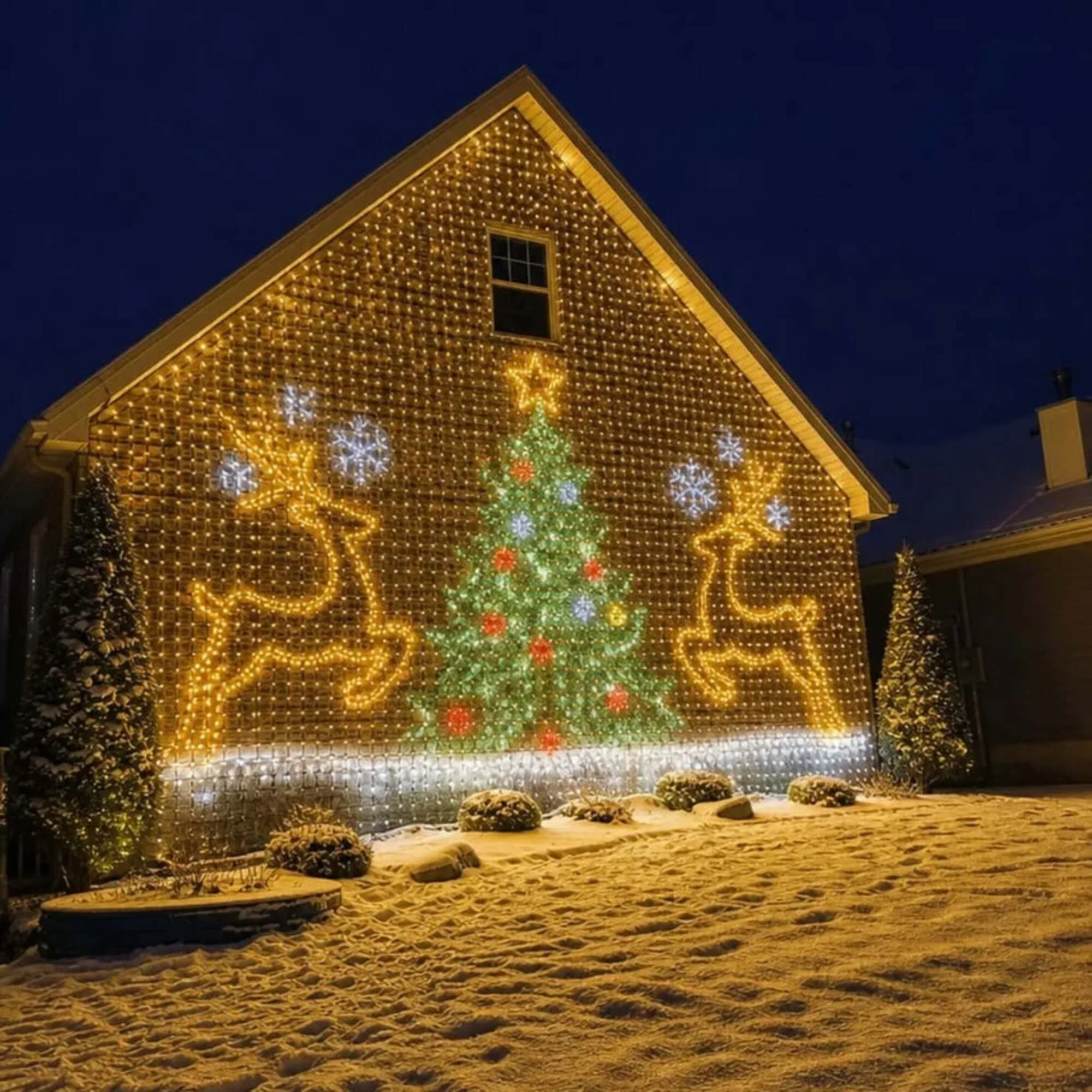
❄️ CHOOSE THE SCENE
Same curtain. A new holiday mood.
Switch between ready-to-play Christmas scenes, from snowflakes to a glowing tree. The lights form a picture across the hanging strands, giving the whole display something to watch.
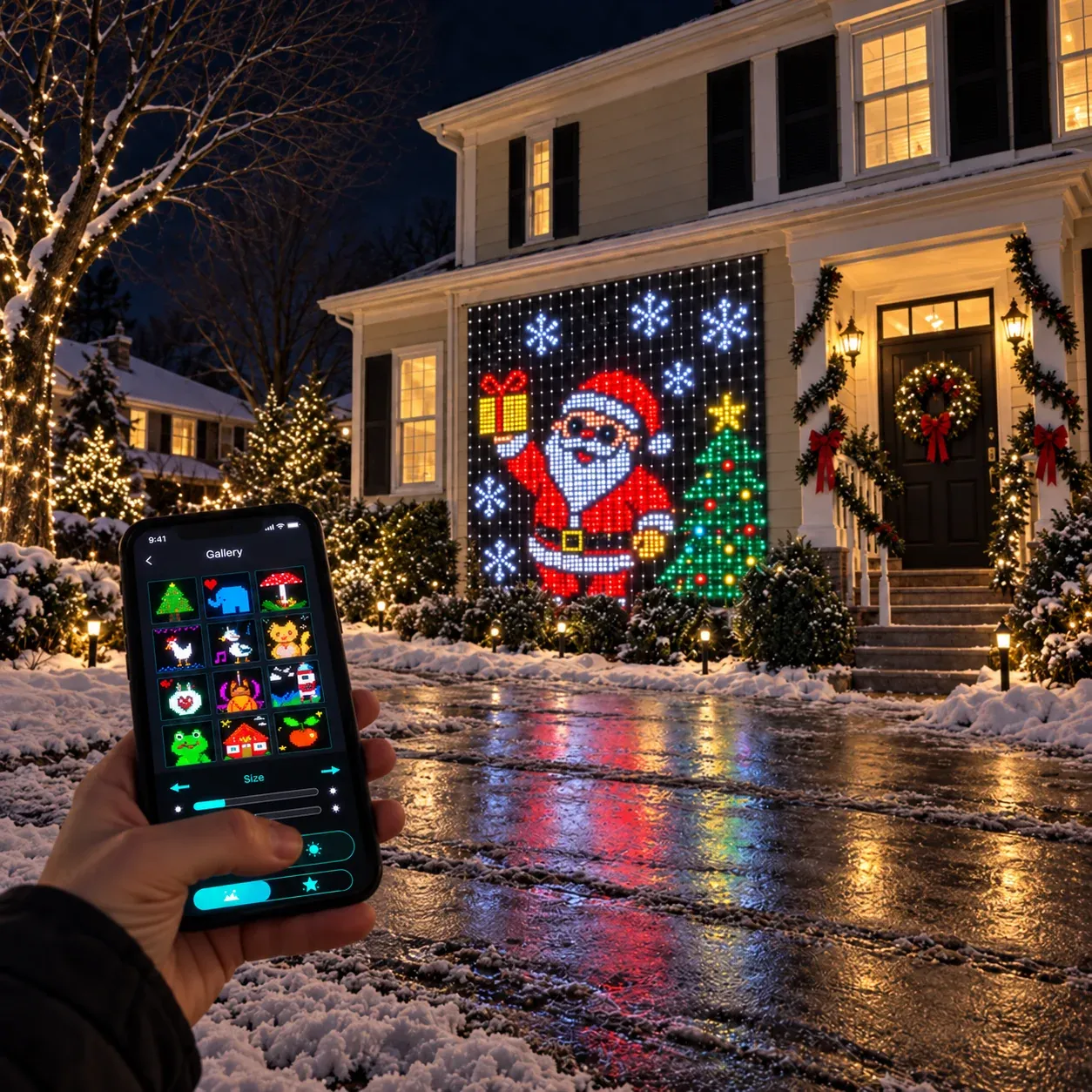
📱 YOUR PHONE, YOUR LIGHT SHOW
Change the scene
from the couch.
Use the smartphone app to select animations and switch display modes on iOS or Android. Keep the curtain in place while you change what it shows.
A snowy backdrop for a quiet night in.
🎛️ EVERYDAY CONTROL
Pick a scene. Set the brightness.
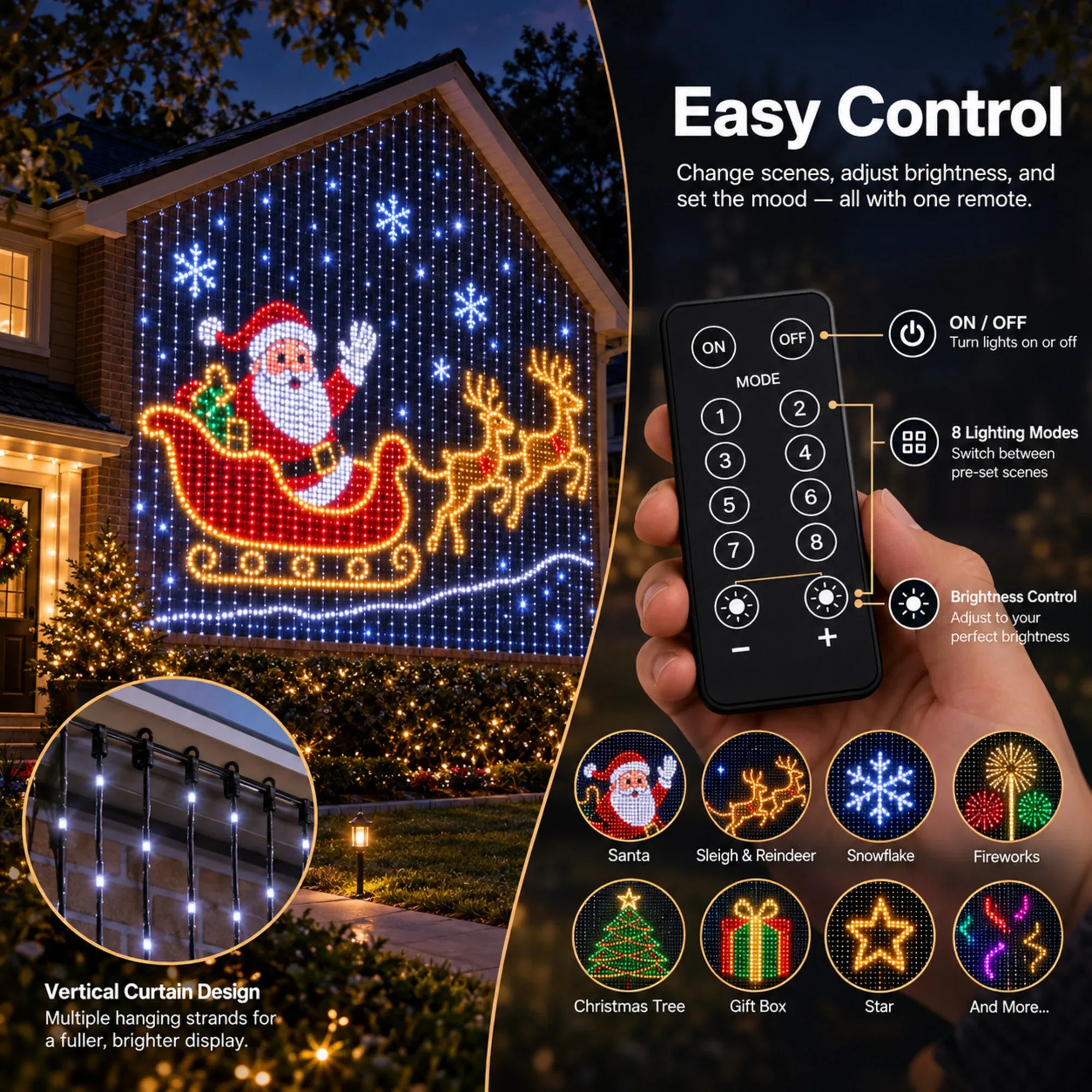
The remote puts on/off, preset lighting modes, and brightness adjustment within easy reach. Switch the look for a gathering, or lower the brightness for a quieter evening.
🎛️ Explore the remote controls
✨ A CLOSER LOOK
Little lights.
One big picture.
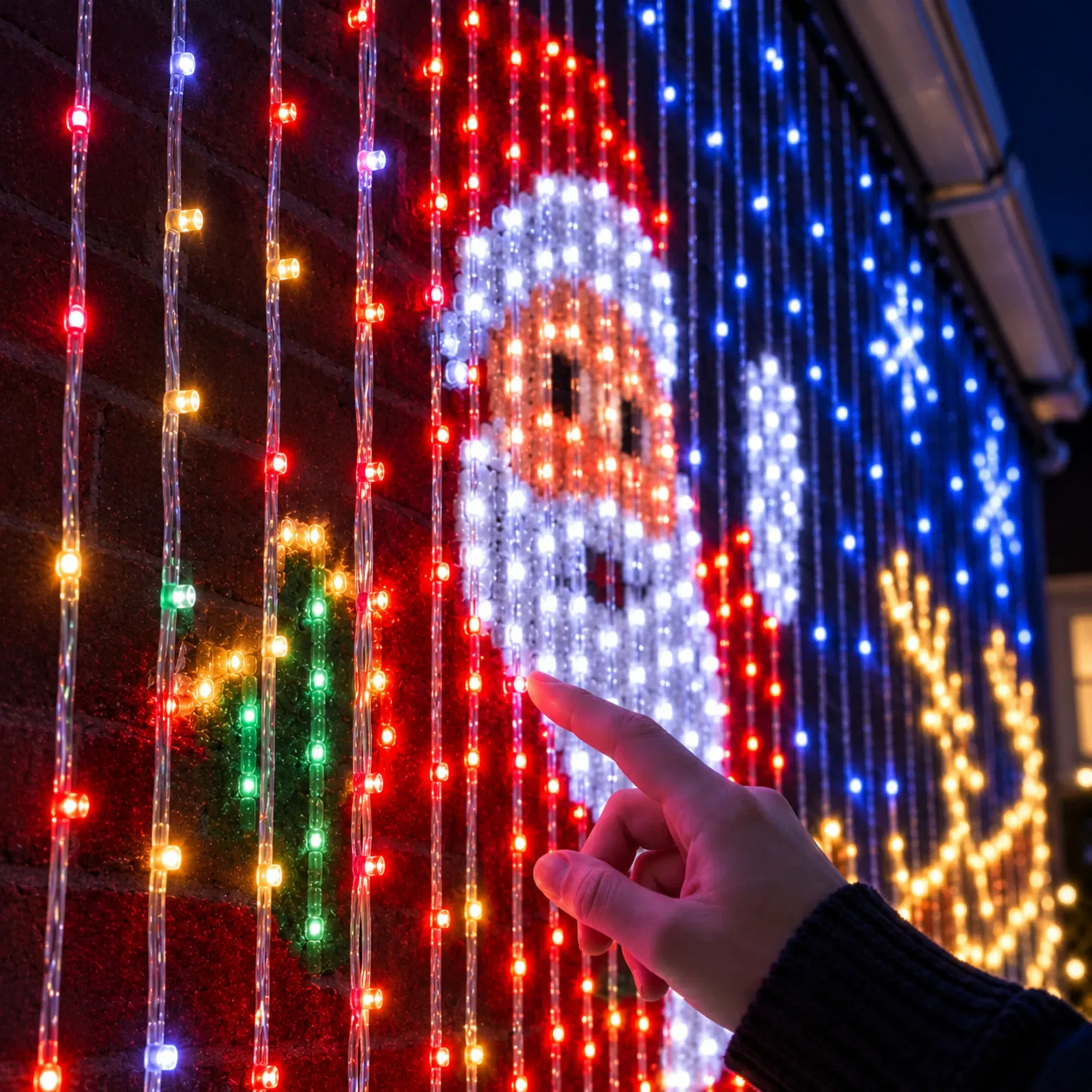
Vertical strands work together to create the illuminated scene. Spread them out across your chosen space so the pattern has room to take shape.
A living-room wall, a broad window, or a party backdrop becomes part of the decoration, with color and movement across the display.
🎉 MORE REASONS TO LIGHT IT UP
Christmas is just the beginning.
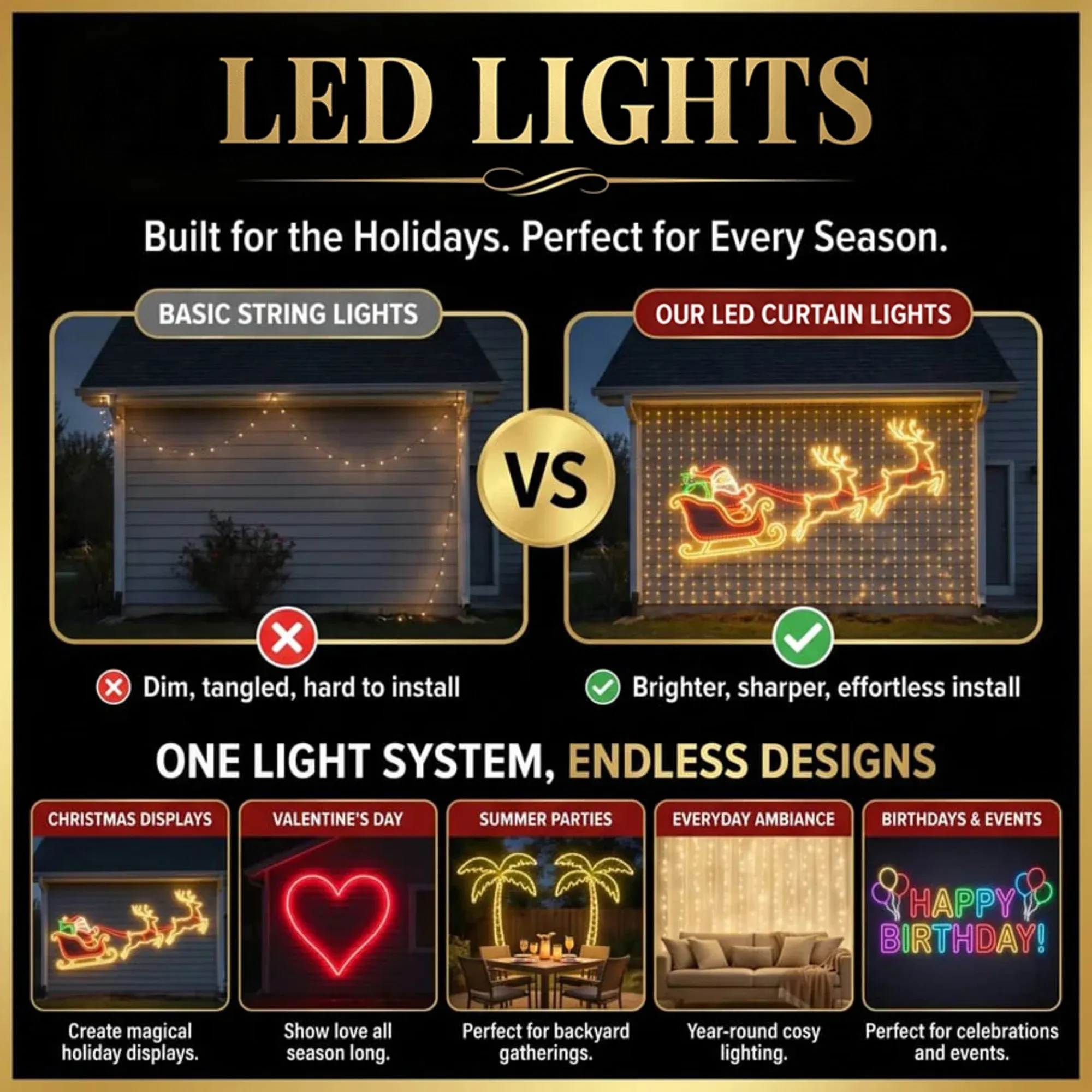
Bring the curtain into birthday celebrations, Valentine’s Day, summer gatherings, or everyday evenings at home. A new design gives the same space a different feel.
📏 PLAN YOUR DISPLAY
Start with the space you want to light.
Measure the width and height of your display area, then choose a curtain size. Metric dimensions below follow the available product options.
Approx. 3.28 × 3.28 ft
1 × 1 m
Approx. 6.56 × 6.56 ft
2 × 2 m
Approx. 9.84 × 9.84 ft
3 × 3 m
🏡 GET READY TO GLOW
Hang. Connect.
Choose your scene.
Hang the curtain
Position the curtain across your chosen area and let the strands hang freely.
Connect the power
Connect the controller and power supply according to the quick-start guide.
Open the app
Follow the setup instructions, then select an animation or display mode.
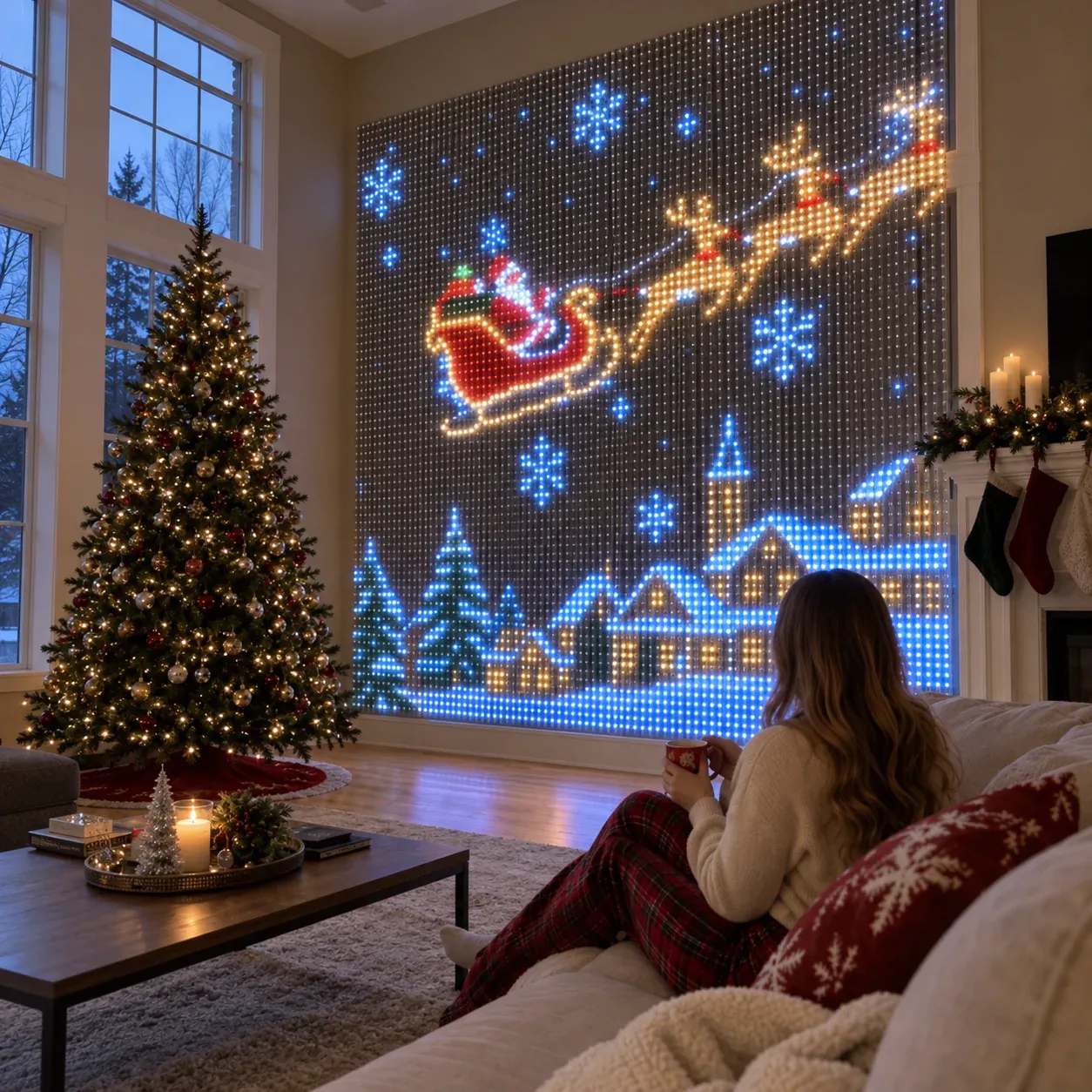
✨ Turn Your Whole Wall Into a Holiday Light Show
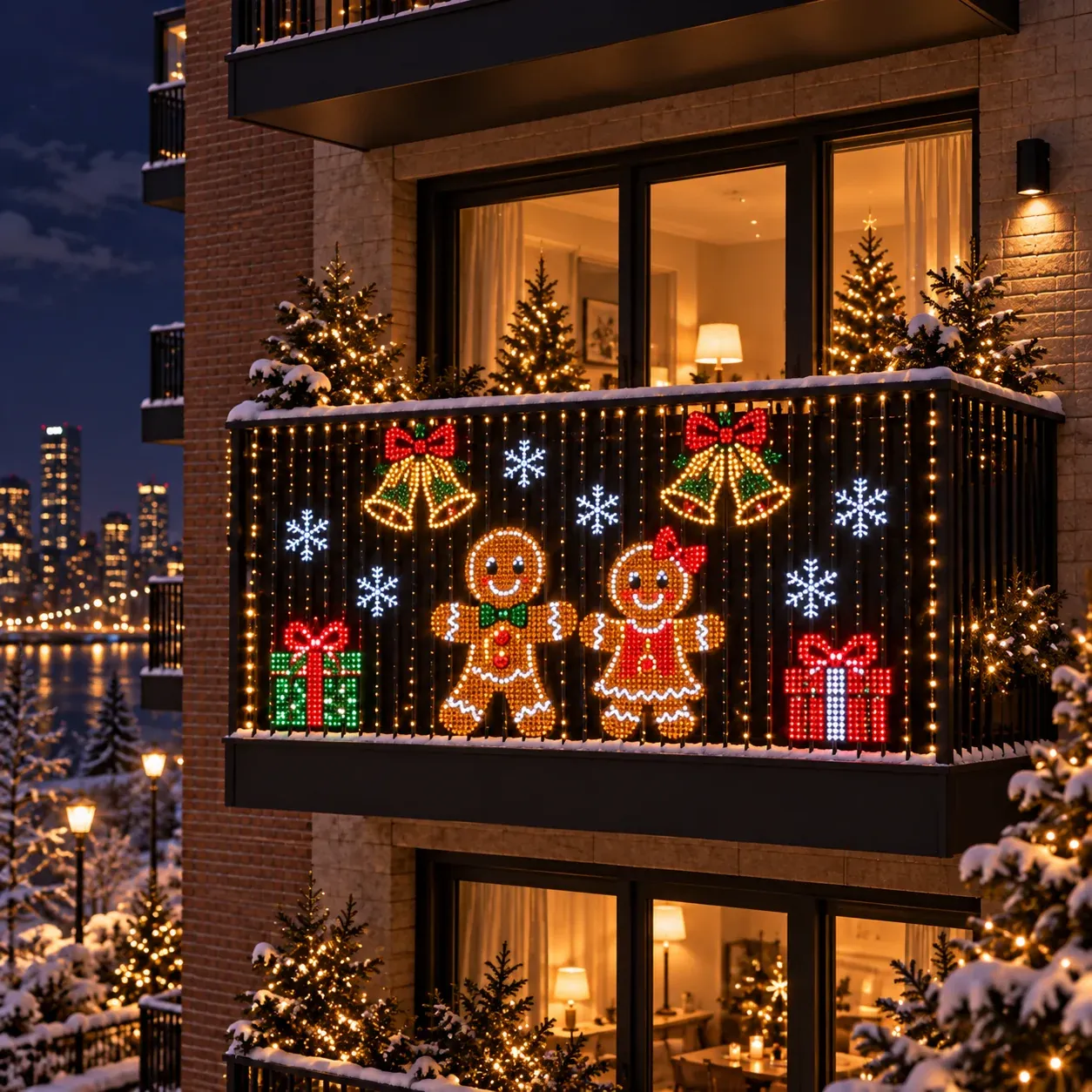
Traditional fairy lights only decorate borders and corners.
Merry Pixels Smart LED Curtain transforms your entire wall into a colorful, animated display.
Watch festive patterns come to life and create an unforgettable wow factor for family, guests and neighbors.
💬 A FEW HELPFUL DETAILS
Before you hang it up
How do I change the patterns?
Use the smartphone app to select preloaded animations and switch display modes. App control supports iOS and Android; follow the product’s setup guide to connect your phone.
Do I need to create my own animations?
No. Preloaded Christmas animations are ready to play, including winter and Christmas-tree scenes. Choose a scene in the app to change your display.
Which size should I choose?
Measure both the width and height of your intended space. Available options are 1 × 1 m, 2 × 2 m, and 3 × 3 m. Leave room for the controller, power connection, and installation arrangement described in the guide.
Can I combine more than one curtain?
Yes, the product supports combining multiple units for larger displays. Additional units are sold separately. Check connection requirements for your planned setup before ordering.
Can I use the lights outside?
Before choosing an outdoor location, confirm the curtain’s outdoor-use rating and the protection required for its controller and power supply. Follow the instructions supplied with your selected unit.
How do I set it up?
Hang the curtain, connect the controller and power supply, and follow the quick-start guide to set up app control. The exact parts and connections should be checked against the guide for your selected size.