


🏠🛡Emergency SOS Button Bracelet for Seniors
🏠🛡Emergency SOS Button Bracelet for Seniors
Impossible de charger la disponibilité du service de retrait

🏠🛡Emergency SOS Button Bracelet for Seniors
SIMPLE SOS PROTECTION FOR SENIORS
❤️ Stay Independent. Feel Safer. Stay Connected.
A simple press can let your family know when you need help.
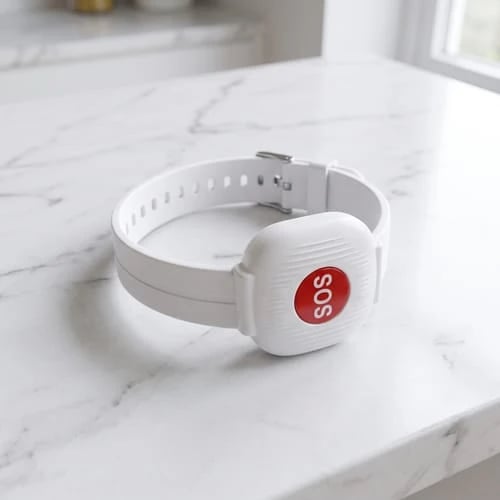
Designed for seniors who value their independence and families who want an easier way to stay connected. The SOS Emergency Bracelet sends an alert to the linked mobile app with just one button press.
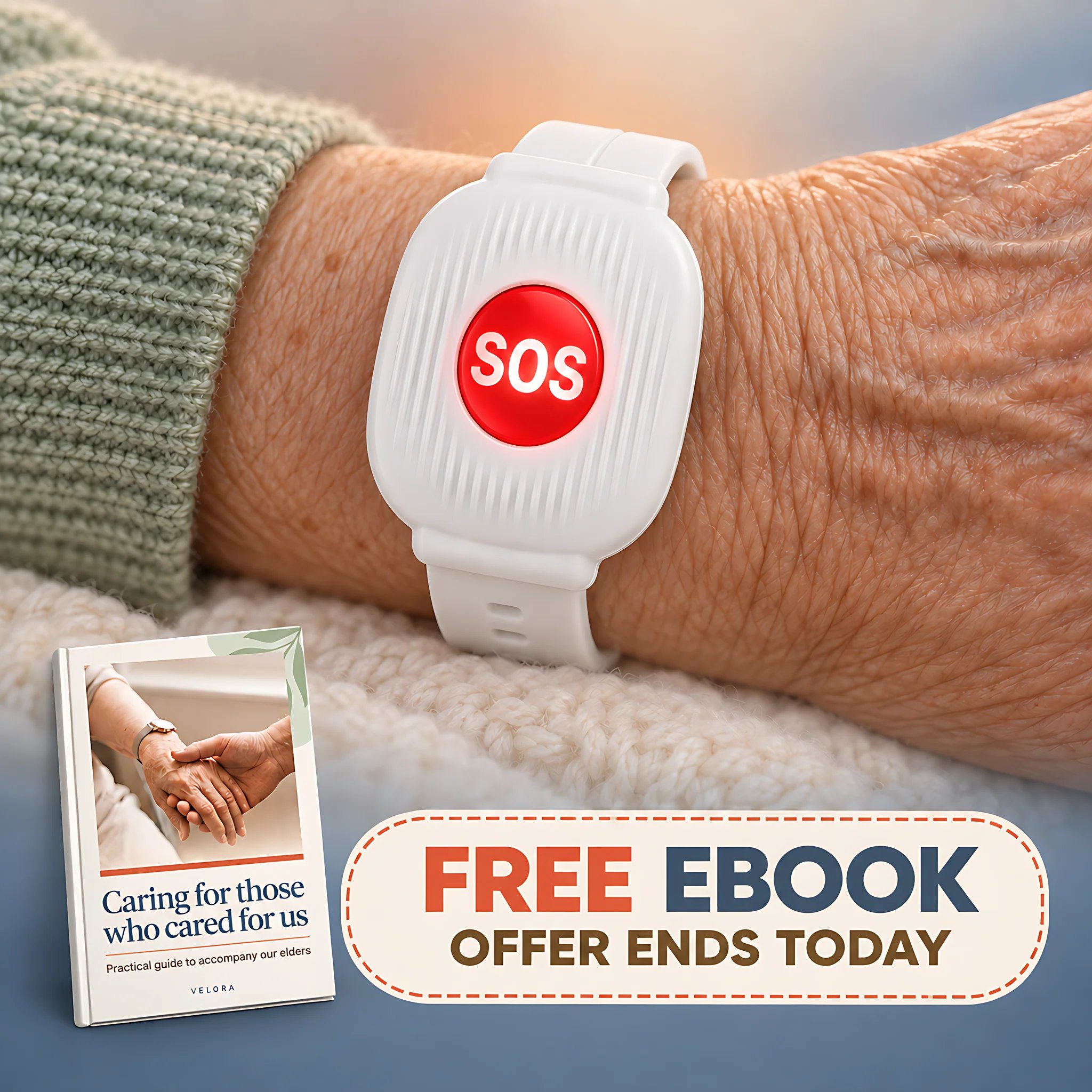
🛡️ Simple Features. Meaningful Peace of Mind.
No complicated screens. No confusing menus. Just straightforward technology that makes requesting help easier.
🆘 One-Button SOS Emergency Alert
When help is needed, simply press the SOS button to send an emergency notification to the connected mobile app. An easy way for seniors to alert family members without navigating complicated technology.
🔋 Long-Lasting Battery & USB-C Charging
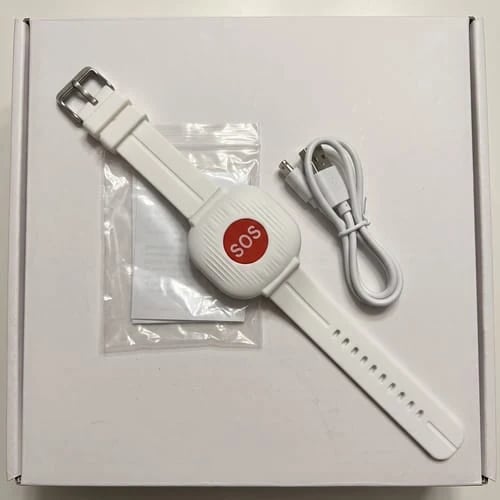
Enjoy approximately 3–4 months of battery life under suitable usage conditions. Convenient USB-C charging keeps maintenance simple without the need for daily charging.
📿 Comfortable, Easy-to-Wear Design
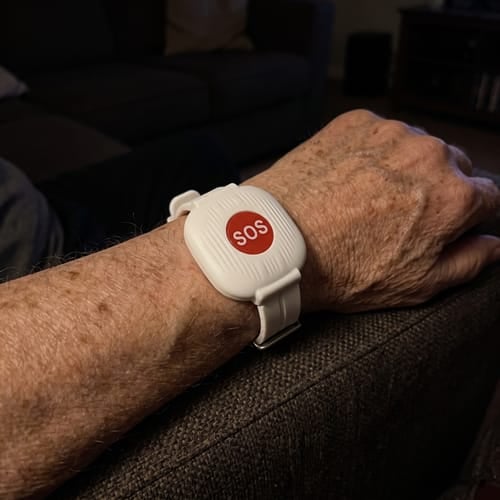
Designed to be worn on the wrist, the bracelet keeps the SOS button within easy reach throughout everyday routines.
🌙 Independence Without Complication
Give your loved ones a simple way to request assistance while maintaining their familiar routines and sense of independence.
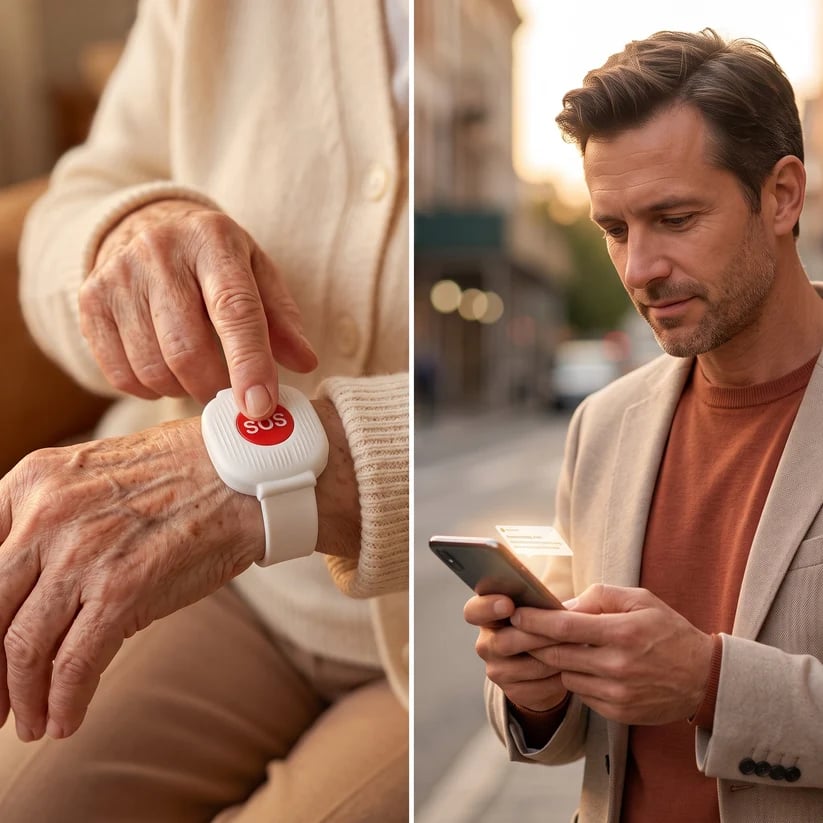
🆘 When Help Is Needed, One Press Makes the Difference.
Whether your loved one feels unwell, needs assistance, or simply wants to alert a family member, requesting help is designed to be straightforward.
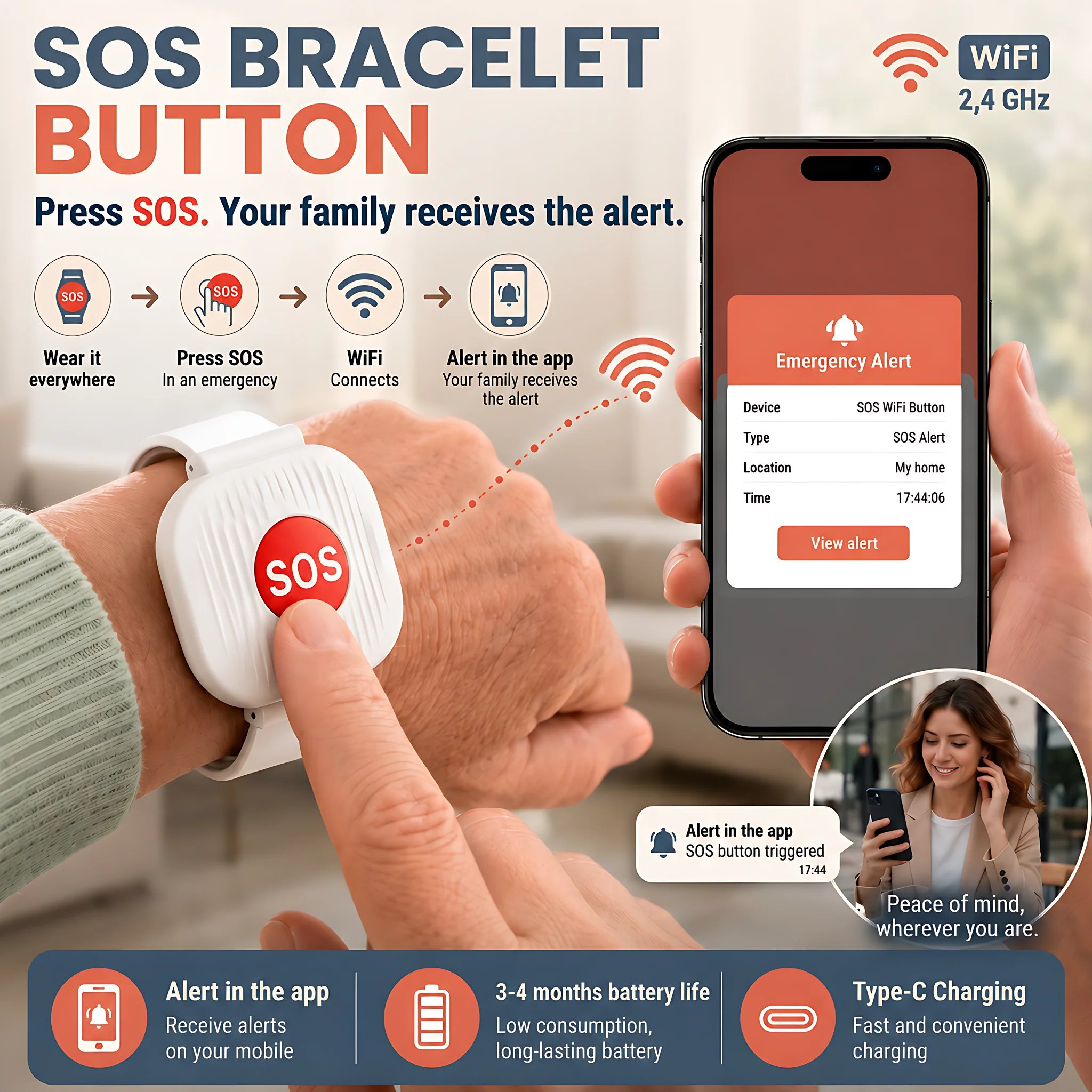
Wear the Bracelet
Keep the SOS button close at hand during daily activities.
Press the SOS Button
Press the button when assistance is needed.
Family Receives an Alert
The linked mobile app receives the SOS notification when the required network connection is available.
📱 Stay Connected, Even When You're Not Together.
You can't always be by your loved one's side. But you can give them a convenient way to reach out when they need you.
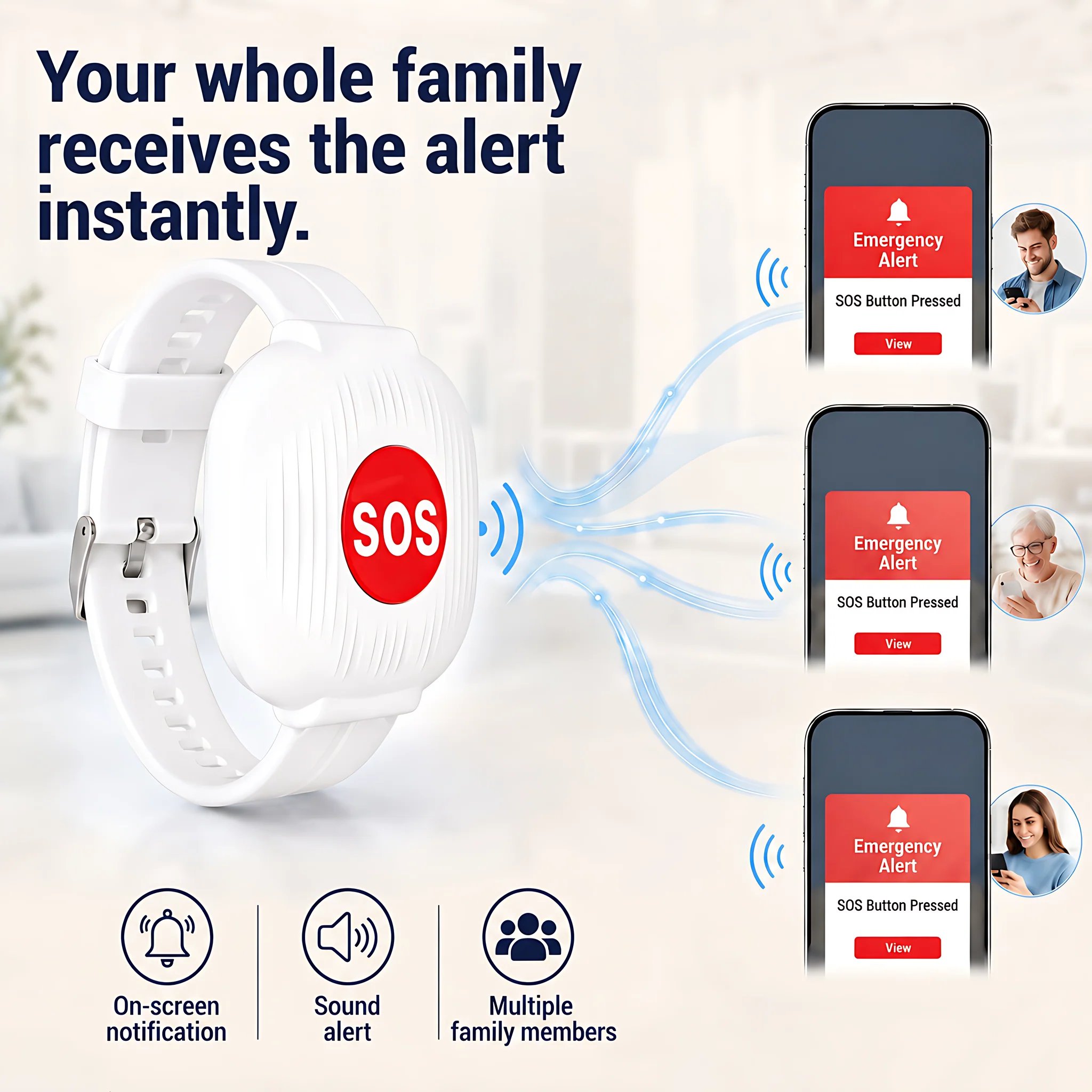
When the SOS button is pressed, an alert is sent to the connected mobile app, helping family members become aware of the situation and respond as needed.
Whether you're at work, running errands, or away from home, you can receive notifications through your phone's available internet connection.
📶 Simple 2.4GHz WiFi Connection
The SOS bracelet communicates through a compatible 2.4GHz WiFi network to send alerts to the linked mobile app.
No Bluetooth pairing is required. Once properly configured, seniors can request assistance using the SOS button without navigating a smartphone.
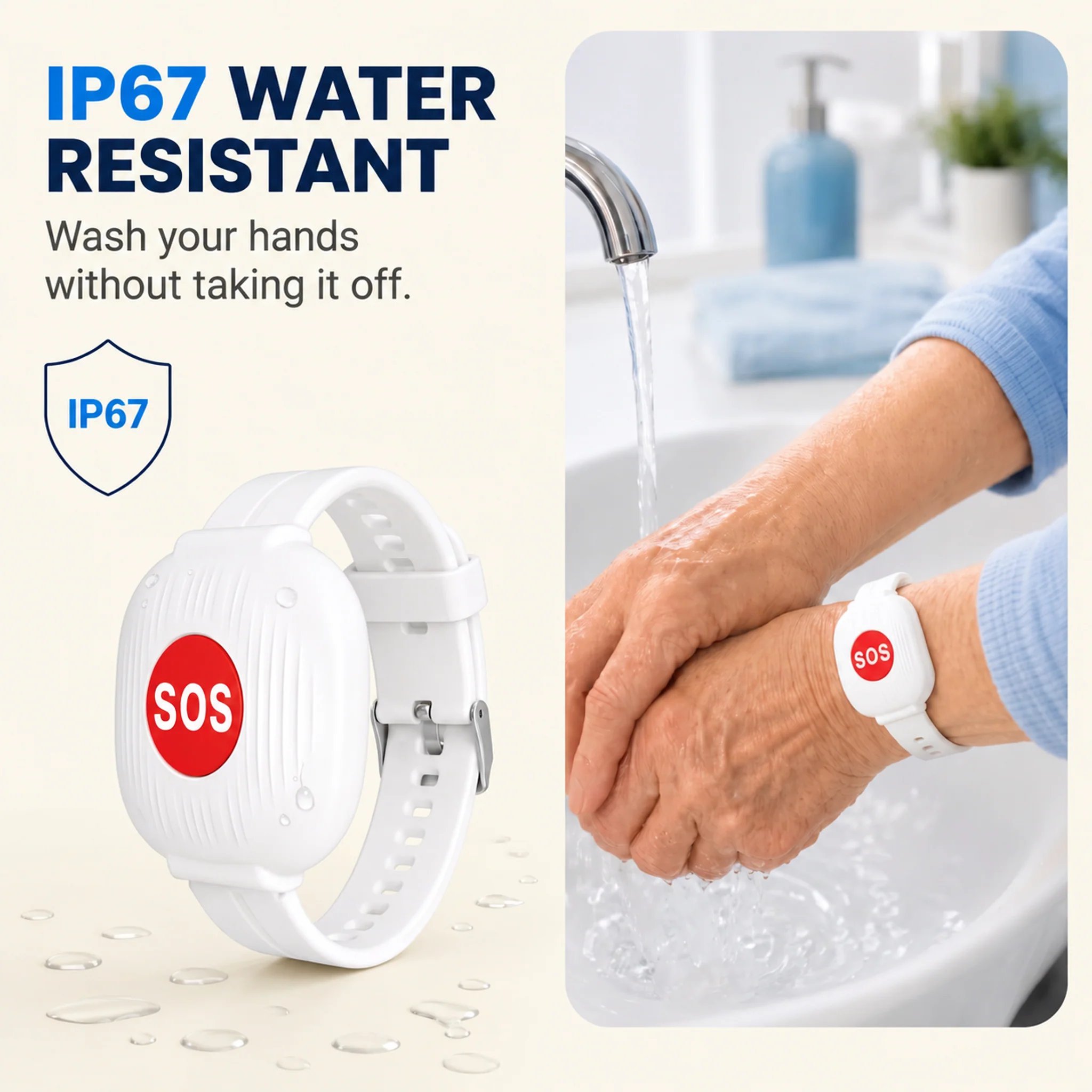
💧 IP67 Protection for Everyday Life
Everyday routines shouldn't require constantly removing your bracelet.
With an IP67-rated design, the SOS bracelet provides dust and water protection for normal daily use, including splashes while washing your hands.
A practical design that makes it easier to keep the bracelet close by.
❤️ More Independence for Them. More Peace of Mind for You.
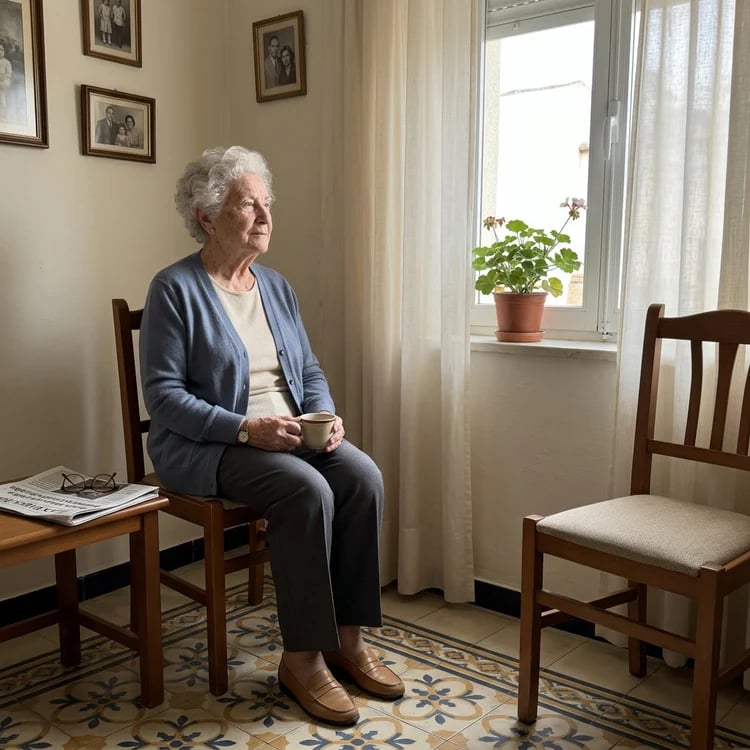
For many seniors, staying independent matters. For their families, knowing there's a way to request help matters too.
The SOS Emergency Bracelet helps bridge that distance with a simple and accessible alert button.
Instead of constant check-in calls, families can enjoy everyday conversations while giving their loved ones another way to reach out when assistance is needed.
❤️ A Small Bracelet. A Meaningful Way to Stay Connected.
Give your loved ones an easier way to ask for help, while supporting their everyday independence.
🆘 Choose Peace of Mind Today
❤️ Don't Just Take Our Word for It
'I used to call my mother four or five times a day just to make sure she was okay. Eventually, she started feeling overwhelmed because she felt like I was constantly checking up on her. Now, I call her just to chat about our day and share the little things in life. That peace of mind is truly priceless.'
— Mike M.
'The app is incredibly easy to install and use. We tested it on the first day with my father at his home, and the notification reached my phone in just three seconds. It does exactly what it promises, without any unnecessary complications.'
— Sarah M.
'I bought this bracelet for my mother, who lives alone. The notification reaches my phone in just a couple of seconds. It gives me peace of mind knowing she can alert me if something happens at home, helping reduce the risk of lying on the floor for hours without anyone knowing. We're very satisfied with it.'
— Jack F.
❓ Frequently Asked Questions
Does my parent need a smartphone or technical skills?
No smartphone interaction is needed for the person wearing the bracelet during regular use. They simply press the SOS button. A family member will need to set up the linked app and compatible WiFi connection first.
Do I need WiFi on my phone to receive alerts?
No. Your phone can receive app notifications over mobile data or WiFi, provided it has internet access and the required notification settings are enabled. The bracelet itself must remain connected to a compatible 2.4GHz WiFi network.
Are there monthly fees or subscriptions?
No monthly subscription is advertised for this bracelet. The linked mobile app is described as free to use. Standard internet or mobile data charges from your provider may still apply.
How often does the bracelet need charging?
Battery life is approximately 3–4 months under suitable usage conditions. Actual battery life may vary. The bracelet recharges through USB-C.
Does it work without WiFi?
No. The bracelet uses a compatible 2.4GHz WiFi connection to send alerts to the linked mobile app. SOS notifications cannot be relied upon when the required network is unavailable.
Is the bracelet waterproof?
The bracelet has an advertised IP67 protection rating against dust and water exposure. It is suitable for common splashes such as handwashing, but should not be treated as a swimming or diving device.
Does the bracelet automatically call emergency services?
No automatic emergency-service calling is advertised. The SOS button sends a notification to the linked mobile app. Family members are responsible for taking appropriate action when an alert is received.
🆘 Stay Connected. Support Their Independence.
A simple way to let family members know when help is needed.
❤️ Buy Now & Enjoy Greater Peace of Mind


