★★★★★
Easy to get started
“I connected it, ran a channel scan and tested a few positions near the window. Setup was straightforward and I liked not adding another monthly service.”
Kostenloser Versand ab 50 $ Bestellwert
Kostenloser Versand ab 50 $ Bestellwert
Kostenloser Versand ab 50 $ Bestellwert
Kostenloser Versand ab 50 $ Bestellwert
Kostenloser Versand ab 50 $ Bestellwert
Kostenloser Versand ab 50 $ Bestellwert
Kostenloser Versand ab 50 $ Bestellwert
Kostenloser Versand ab 50 $ Bestellwert
Kostenloser Versand ab 50 $ Bestellwert
Kostenloser Versand ab 50 $ Bestellwert
Kostenloser Versand ab 50 $ Bestellwert
Kostenloser Versand ab 50 $ Bestellwert
Kostenloser Versand ab 50 $ Bestellwert
Kostenloser Versand ab 50 $ Bestellwert
Kostenloser Versand ab 50 $ Bestellwert
Kostenloser Versand ab 50 $ Bestellwert
Hast du ein Konto?
Logge dich ein, damit es beim Checkout schneller geht.

Verfügbarkeit für Abholungen konnte nicht geladen werden

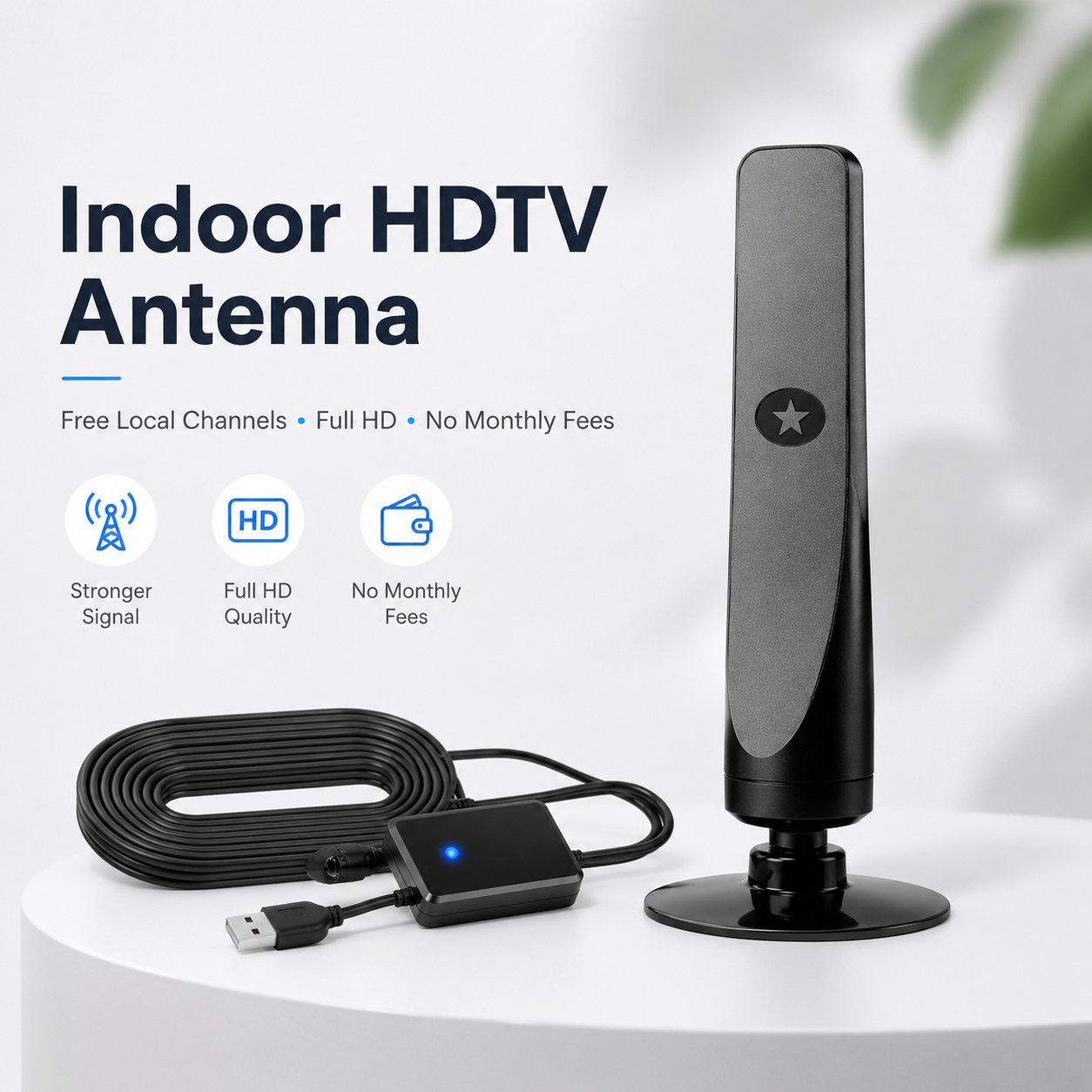
Connect the antenna to a compatible television, scan for available broadcast stations, and enjoy the local channels your location can receive.
Keep up with available local broadcasts, including news, weather and community programming.
Receive qualifying over-the-air sports and entertainment channels available in your area.
The antenna itself does not require a monthly subscription or cable contract to receive OTA signals.
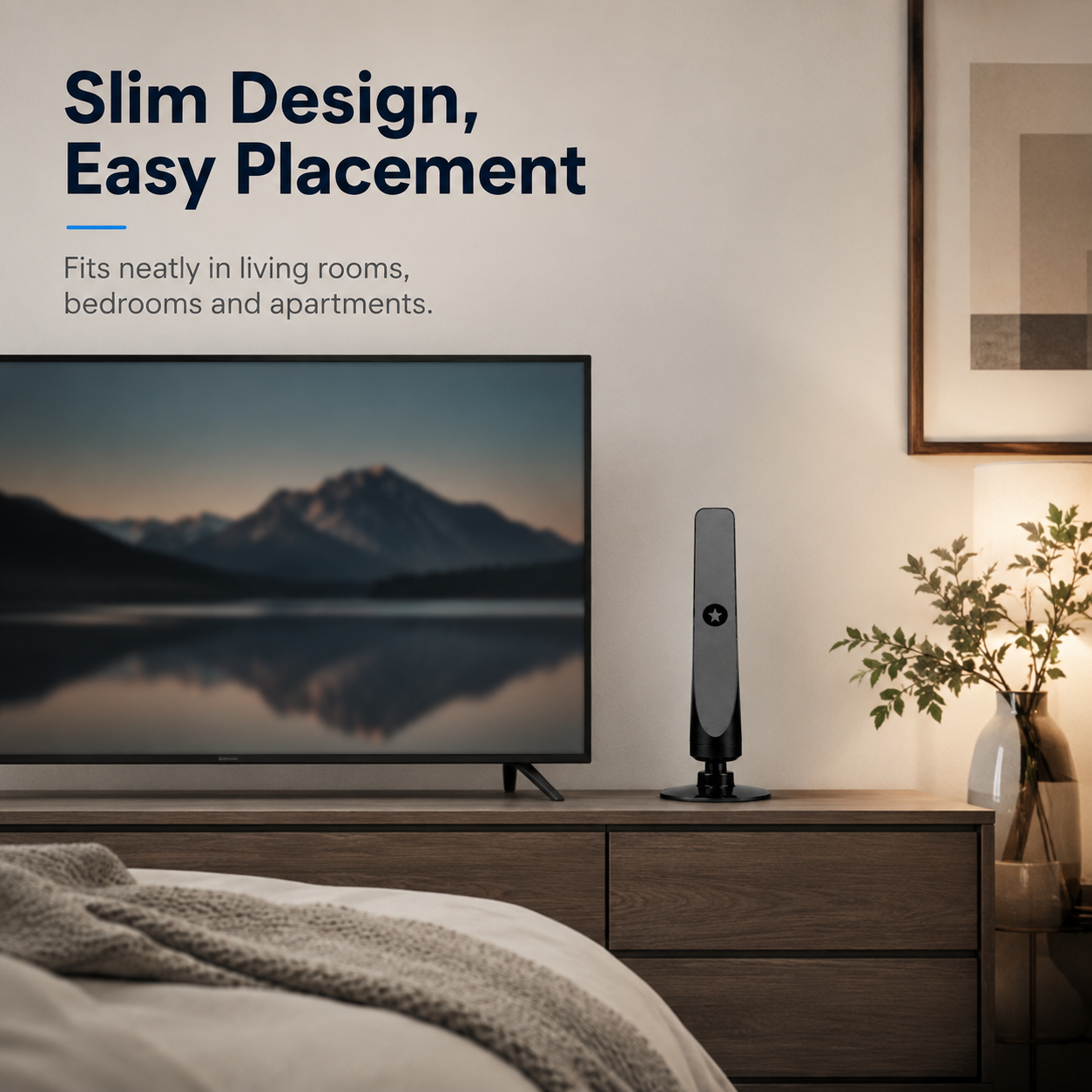
A slim footprint makes it easy to place near a television, window, shelf or entertainment center.
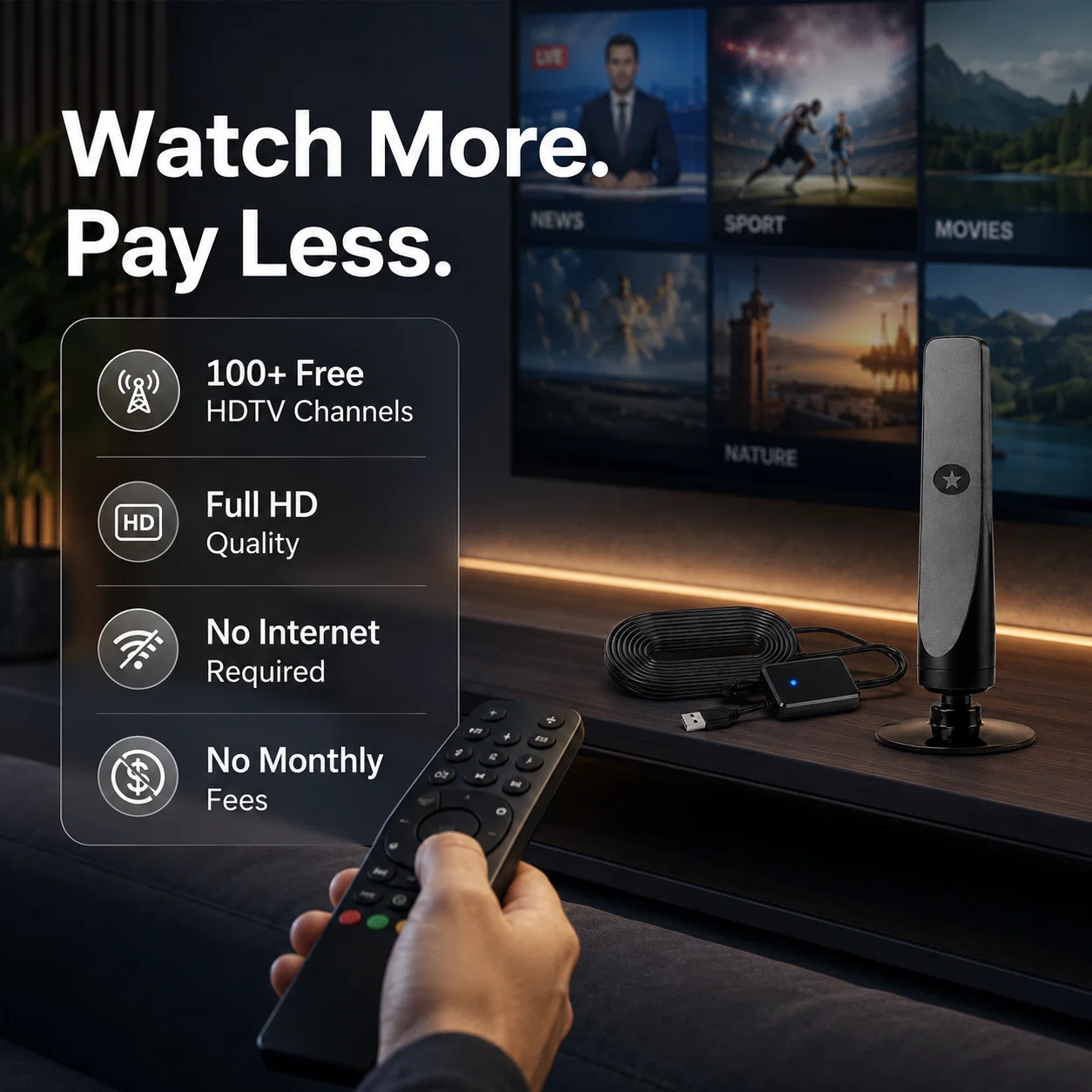
Use over-the-air broadcasting for the stations available where you live. It can be a practical option for viewers who mainly want local programming.
Reception and available stations vary by location and antenna placement.

The vertical indoor design takes up very little room and can be repositioned to help you find a stronger broadcast signal.
Depending on the stations broadcasting near you, a channel scan may find a mix of local news, weather, sports, educational and entertainment programming.

No complicated installation is required for most compatible TVs.

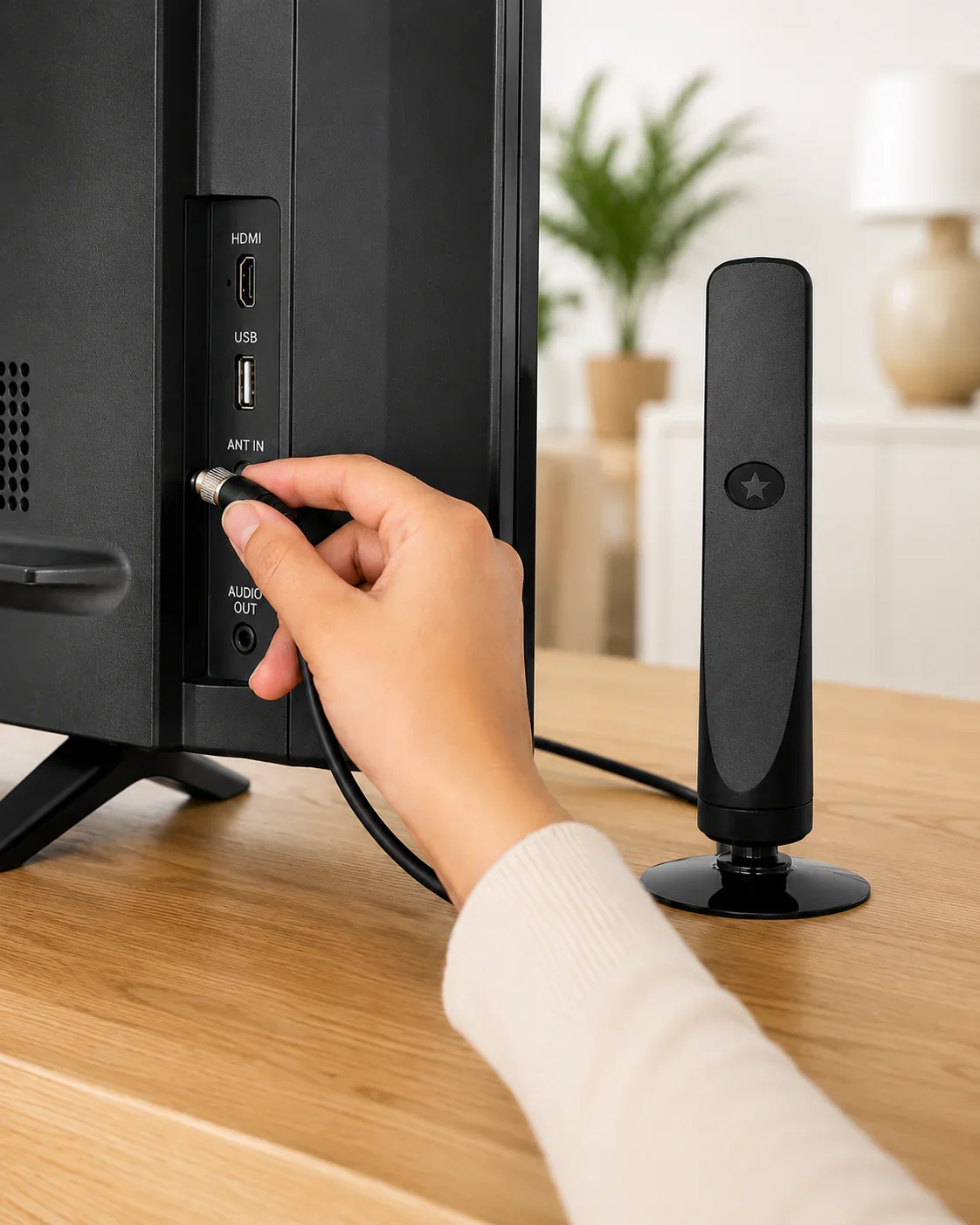
Attach the antenna cable to your TV's coaxial antenna input.
If your model includes an inline signal booster, connect its USB power cable.
Select “Antenna/Air” in TV settings and run an automatic channel scan.
Indoor antenna performance depends heavily on your distance from broadcast towers, nearby buildings, walls, terrain and the location of the antenna inside your home.
Common reasons people switch to an indoor antenna include lower recurring costs and easy access to local broadcasts.
“I connected it, ran a channel scan and tested a few positions near the window. Setup was straightforward and I liked not adding another monthly service.”
“I mainly wanted local news and a few regular channels. After repositioning it and rescanning, the setup worked well for what I needed.”
“It takes up very little room beside the TV and is easy to move around while checking reception. I appreciate the simple design.”
Connect it to the TV's coaxial antenna input, place the antenna in a suitable location, select “Antenna” or “Air” as the TV source, then run an automatic channel scan.
It is intended for TVs with a standard coaxial antenna input and a digital TV tuner. Older analog-only televisions may require a separate digital converter box.
There is no fixed number. Channel availability depends on your location, nearby broadcast towers, terrain, building materials, interference and antenna placement.
Over-the-air antenna reception itself does not require internet service. Your television's separate smart features or streaming apps may still require internet access.
A higher position or a spot near a window often works best. Try several positions and run a new channel scan after each significant adjustment.
The antenna itself does not require a monthly subscription to receive free over-the-air broadcasts. Availability of specific channels is determined by local broadcasters.
Connect, scan and see which local digital broadcasts are available in your area.
Choose Your BundleImportant: Antenna reception is location-dependent. Distance from broadcast towers, terrain, walls, nearby structures, weather and placement may affect signal strength and available channels. No specific channel count is guaranteed.